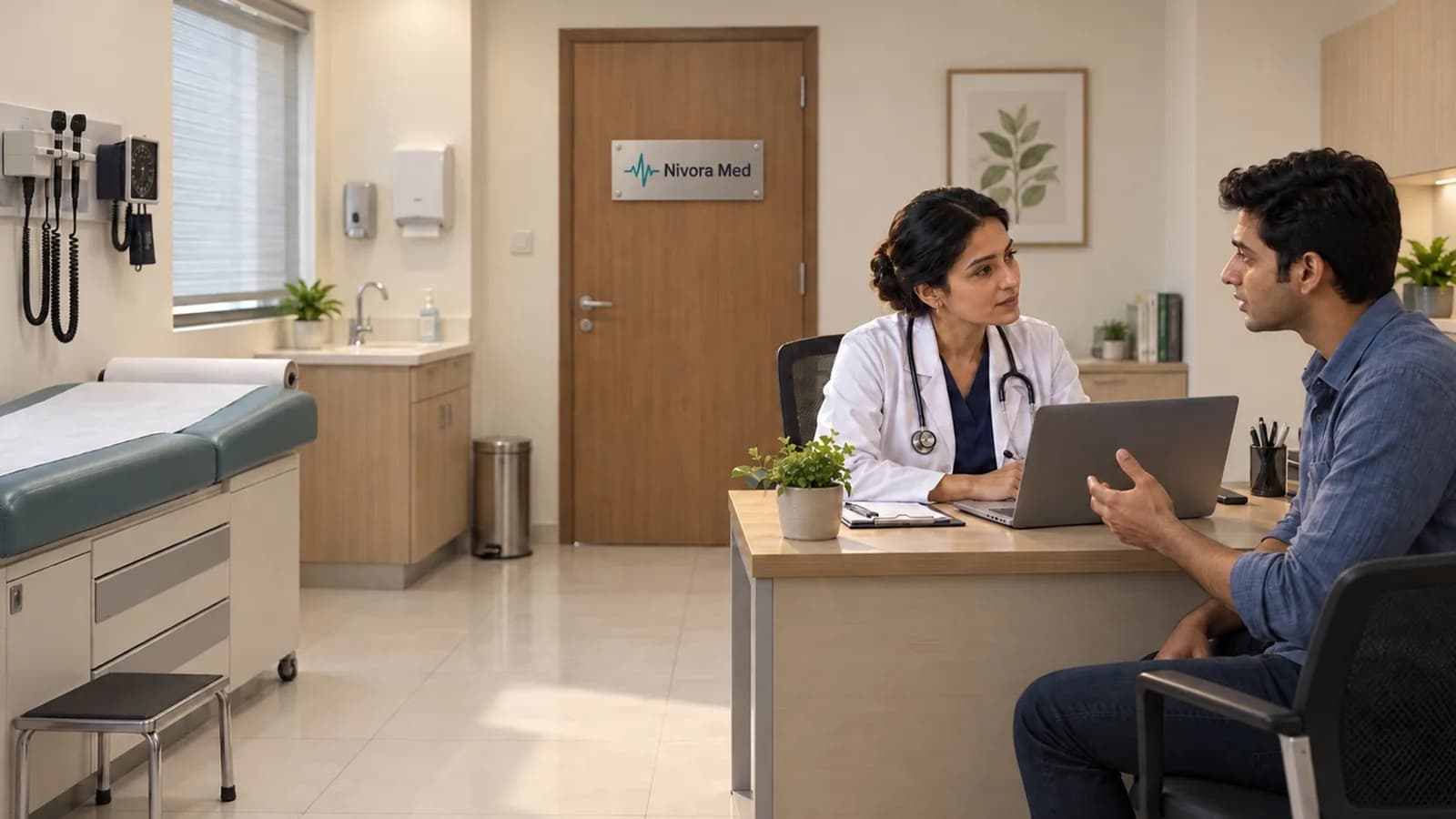
Generated editorial image of a physician listening to an older woman in a clinic

AI-assisted clinical workspace

One workspace.
From assessment
to recovery.

Nivora helps your team prepare clinical assessments and prescriptions, review medical imaging, and track patient recovery—with clinicians in control of the decisions.

See how the three tools work

See Nivora in your team’s workflow.

Request a demoFor doctors, radiologists, and care teams.
AI-assisted drafts. Clinician-led decisions.
Generated imagery · Fictional people

Three tools.
One clinical workflow.

Use Praxis to prepare an assessment, Lumina to review a study, and Vigil to follow recovery. Each works with the patient’s clinical context.

Turn symptoms into
a draft care plan.

Enter symptoms, history, and relevant patient details. Praxis prepares suggested diagnoses, medications, and tests for you to review alongside safety findings.

  • Bring symptoms, allergies, and medications into the assessment
  • Review suggested diagnoses, prescriptions, and investigations
  • Check SafeGuard findings before approving a prescription
See Praxis in a demo
Nivora MedPraxisWorkspace preview

Praxis Rx

Clinical assessment

Review suggested diagnoses, prescriptions, and medication safety findings.

D

Demo patient

MRN DEMO-001 · Fictional record

Sample

Primary Diagnosis

Draft for review

Assessment awaiting review

A suggested diagnosis and supporting reasoning appear here after an assessment.

Diagnostic confidenceNot stated

Medications

Unsigned
MedicationDose / RouteFrequency

Review the medication, dose, route, and frequency before approval.

Laboratory tests

SafeGuard review

Review safety findings before approving a prescription.

Sample data only · This preview does not process patient information.

Patient details → AI-assisted draft → Your approvalSample data
From a scan to
a structured report.

Upload a supported study and add the clinical context. Lumina prepares findings and a draft report for you to check against the image before signing.

  • Review the study alongside AI-assisted findings
  • Assess findings in the context of the patient’s history
  • Review the report and record clinical sign-off
See Lumina in a demo
Nivora MedLuminaWorkspace preview

Lumina Dx

Imaging analysis

Review AI-assisted findings and prepare a report for clinical sign-off.

D

Demo patient

MRN DEMO-001 · Fictional record

Sample

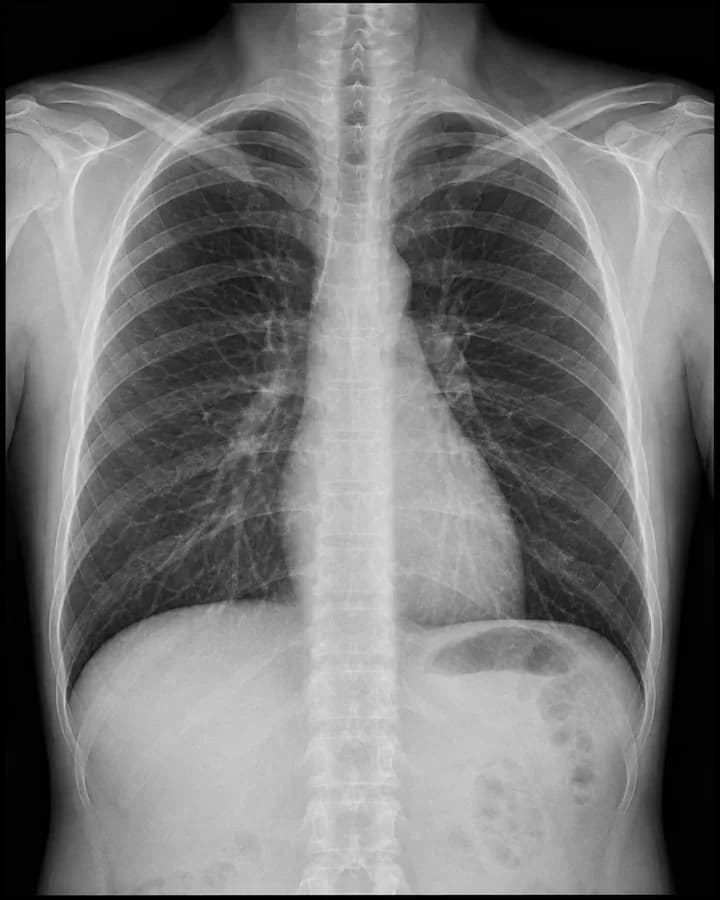
Study preview

X-Ray
AI-generated chest X-ray illustration, not a patient scanSynthetic image · Not for diagnosis

Detailed findings

Chest / Frontal
Unsigned

Review image quality and observations against the original study.

Confidence not stated

Structured report

Review required

Final interpretation and clinical sign-off remain with the clinician.

Sample data only · This preview does not process patient information.

Upload a study → Review findings → Sign the reportSample data

Follow recovery.
Review what changes.

Record a patient’s vital signs and track them over time. Vigil brings readings, recovery progress, and alerts together to support your team’s next assessment.

  • View the latest recorded vital signs in one place
  • Compare readings over time, not just a single value
  • Review alerts alongside the patient’s recovery progress
See Vigil in a demo
Nivora MedVigilWorkspace preview

Vigil · Recovery monitoring

Demo patient

Recovery phase · MRN DEMO-001 · Fictional record

Sample observations

Current Vitals

Heart Rate (bpm)
76

Normal 60–100 bpm

SpO2 (%)
98

Normal 95–100 %

Temperature (°C)
36.8

Normal 36.5–37.5 °C

Resp Rate (/min)
16

Normal 12–20 /min

Recovery Progress

72%

Recovery

Illustrative progress

Last 24 hours

Vital Trends

Heart RateSpO2Systolic BP

Sample data only · This preview does not process patient information.

Record vitals → Track trends → Review alertsSample data

Built for the people
delivering care.

Doctors, radiologists, and care teams work with different parts of the same patient story. Nivora connects assessments, imaging reports, and recovery records in one workspace.

Illustrative consultation between a clinician and a patient
Patient context,
across the care journey.

For doctors & radiologists

Review patient history, assess AI-assisted drafts, and sign off prescriptions and imaging reports within the clinical workflow.

Explore Praxis and Lumina

For nurses & care teams

Record observations, follow recovery trends, and review alerts. Role-based access gives team members access appropriate to their responsibilities.

Discuss your team’s workflow

AI prepares.
You review.
You decide.

Nivora produces drafts and highlights information for review. Qualified clinicians assess the output and remain responsible for diagnosis, treatment, and final sign-off.

AI-assisted decision support. Not a certified medical device. Safety checks have limits and do not replace professional review.

Start with patient context

Use relevant history, allergies, and medications to inform the assessment. Patient-linked AI processing requires recorded consent.

Review medication safety findings

SafeGuard combines AI review with rule-based checks for supported drug interactions, allergies, and contraindications. Its findings support your review; they do not guarantee safety.

Approve or sign after review

Prescriptions require clinician approval and diagnostic reports require sign-off. Recorded attestation identifies who reviewed the AI-assisted draft.

Keep a record of clinical actions

Audit records capture key actions and clinical sign-off so your team can review what happened and who performed it.

Common questions.

What Nivora does, who it supports, and how to explore it.

Ask the Nivora team
What can my team do with Nivora?

Use Praxis for AI-assisted clinical assessments and prescription drafts, Lumina for imaging findings and reports, and Vigil for recorded vital signs, recovery trends, and alerts. Patient records provide context across these workflows.

Does AI make the final clinical decision?

No. Nivora provides decision support. Qualified clinicians review the output and remain responsible for diagnosis, treatment, and final approval or sign-off.

Does Vigil automatically collect vital signs?

The workflow shown here uses recorded observations. Your team enters readings to track trends and review alerts. Discuss any device connection requirements with us before planning a rollout.

Can we see a demo for our team?

Yes. Request a demo and tell us your team’s roles and the workflows you want to explore. The link opens an email to the Nivora team.

How do pricing and deployment work?

Contact us to discuss your users, workflows, and deployment requirements. We’ll confirm the proposed setup, pricing, and commercial terms with you.

Are these real patient records?

No. The panels contain sample data. The scan is an AI-generated illustration, not a patient study or diagnostic image.

See Nivora
with your team’s
workflow in mind.

Tell us which part of care you want to explore: assessment, imaging, or recovery. We’ll walk through the relevant tools with your team.

Request a demo Opens your email app · contact@nivoramed.com
Nivora Med — AI-Assisted Clinical Workspace